Audio to speech
How to clone voice from audio file recordings
Start with a recording of a voice you own or have permission to use. Voiceclone helps you turn that audio file into a voice reference for reading new text, then compare the result with the original before using it.
Voiceclone is a guide; the action opens Supavocal. New accounts receive 1,000 one-time welcome credits. Sign in there, upload 10–30 seconds of clean single-speaker speech and enter a short script. The queued voice-conditioned preview usually takes about a minute; it does not train a persistent voice model.
Read this short welcome message in the voice from my recording: Thanks for joining us. Here is what happens next.
This is a static script illustration, not an input. No text is submitted here; enter your script at Supavocal after sign-in.
What this variant is
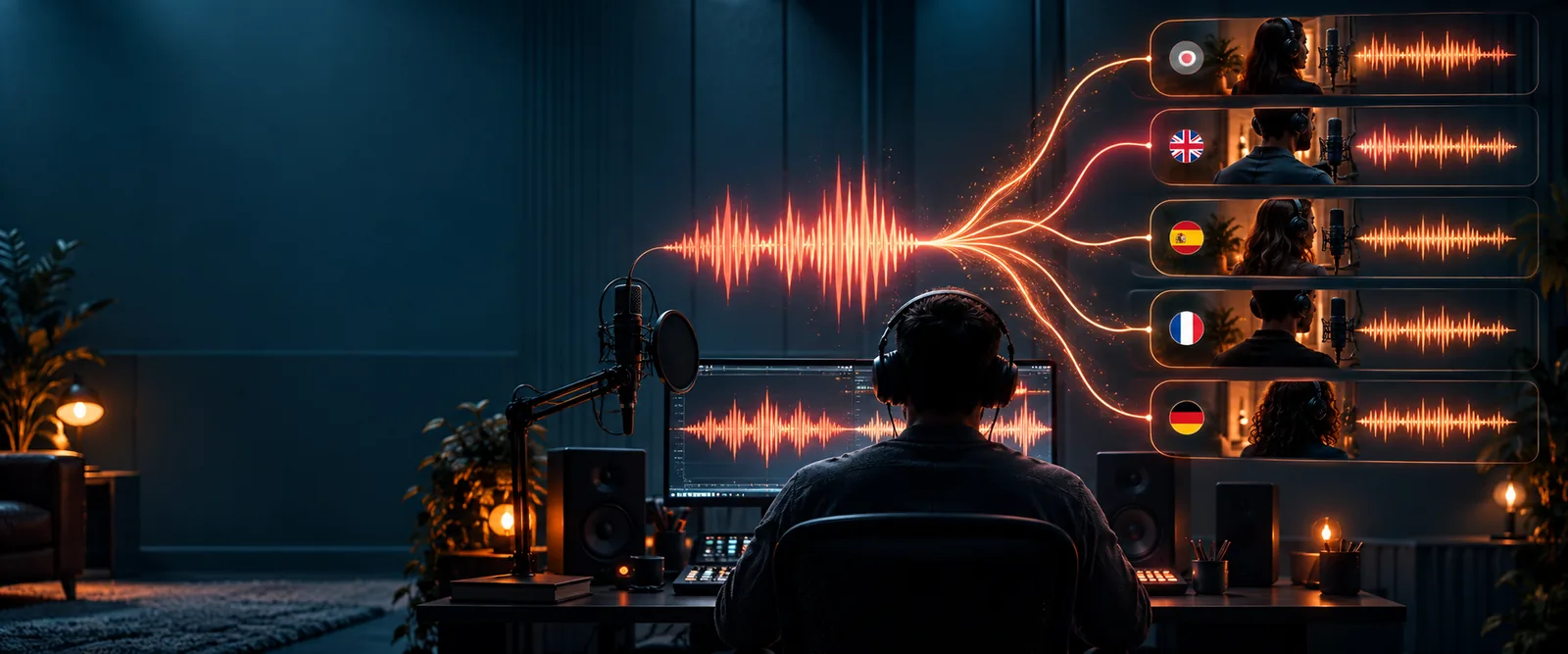
An audio file supplies the voice reference; written text supplies the words you want spoken next.
Why audio becomes a new reading
The recording is a reference for vocal qualities, not a script to replay. The text determines what the generated speech says.
-
1
Choose a clear recording
Use an audio file with one consenting speaker and little background noise. Listen through it first: overlapping voices, music and clipped words make the voice harder to identify.
-
2
Write a short test line
Enter a sentence that differs from the recording. A short, familiar line makes it easier to hear whether the voice clone keeps the speaker’s character without repeating the source audio.
-
3
Listen and revise
Compare the generated line with your audio file. If it sounds unclear or unlike the speaker, try a cleaner source recording or adjust the text before making a longer passage.
The tool block
A voice clone can produce a new reading, but it cannot repair every problem in the recording it learns from.
-
It cannot isolate a speaker reliably from a crowded mix
A source audio file containing several people or loud music gives the voice reference competing sounds.
WorkaroundChoose a recording with one clearly audible speaker, or prepare a clean excerpt before trying again.
-
It cannot guarantee an exact emotional match
A calm sample may not supply enough information to reproduce a shout, whisper or dramatic delivery faithfully.
WorkaroundKeep the test text close to the source’s speaking style and judge the result by listening.
-
It cannot establish permission
Having an audio file does not mean you have the speaker’s consent to make or share a voice clone.
WorkaroundUse your own voice or obtain the speaker’s explicit permission before submitting their recording.
Spec table
- Input: recorded voice
- Output: new spoken text
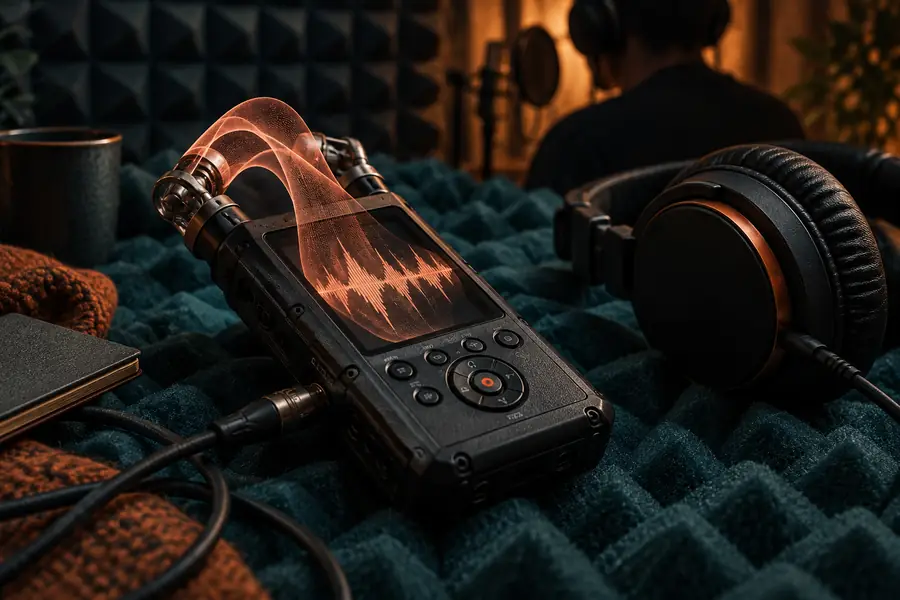
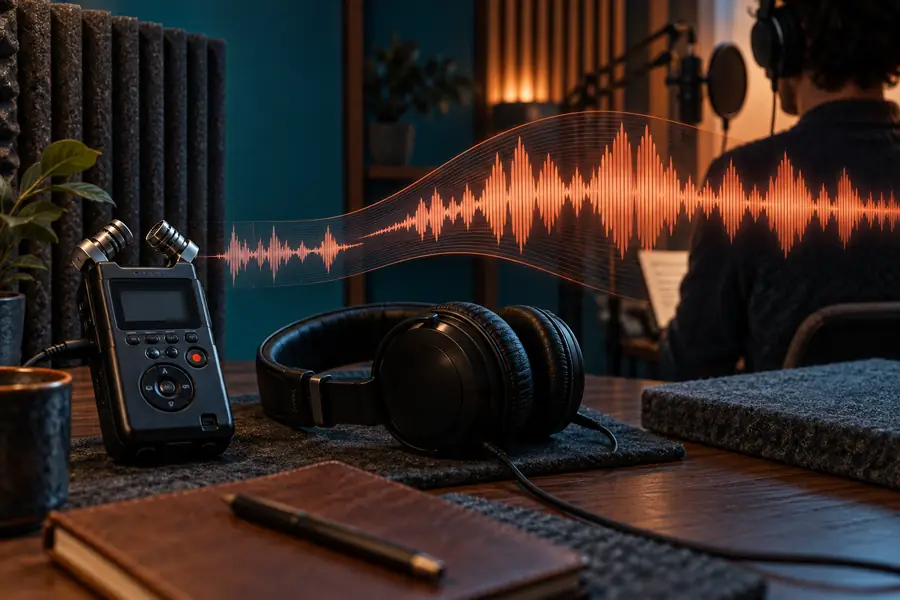
The input is an audio file containing the speaker’s voice; the output is speech generated from text. These images illustrate the workflow, not an audible before-and-after test. Listen to both recordings to assess similarity, clarity and pronunciation.
Try a new line in your recorded voice
Bring a clean audio file and a short line of text you have permission to use. Start with a small voice clone sample, listen against the source, and only then decide whether it works for a longer passage.
Continue to Supavocal- One clearly audible speaker
- A short line for the first comparison
- Permission from the voice owner
Variant FAQ
An audio file can serve as the reference for generating speech in a similar voice. Results depend on how clearly the speaker can be heard, so begin with a clean recording and check a short output before relying on it.
The source recording provides the voice reference; the text you enter provides the new words. If you want the original words unchanged, play the audio file instead of generating a new reading.
Choose a recording with one speaker, clear speech and minimal music or background conversation. Listen for distortion or missing syllables before using it as a source, and use only a voice you own or have permission to clone.
Noise, overlapping speakers and an unusual delivery in the source can affect the result. Try a cleaner recording, test a shorter sentence and compare the output by ear; a generated reading is not guaranteed to be an exact copy.