Voiceclone

Practical examples

Voice clone examples free to explore for real projects

A voice clone is easier to judge when you have a specific line and a reason to use it. These examples show how a creator might test a short narration, revise a lesson, or localize a greeting. They are illustrative scripts, not recordings you can verify by reading the page. To hear whether a result suits your project, start with a voice you own or have permission to use, then compare its delivery with the source.

Voiceclone is a guide; the action opens Supavocal. New accounts receive 1,000 one-time welcome credits. Sign in there, upload 10–30 seconds of clean single-speaker speech and enter a short script. The queued voice-conditioned preview usually takes about a minute; it does not train a persistent voice model.

Example script to enter at Supavocal

Using my own voice, read: Welcome back. Today we will learn how rain becomes a river. Keep the pace calm and clear.

This is a static script illustration, not an input. No text is submitted here; enter your script at Supavocal after sign-in.

Use only a voice you may reproduce Open Supavocal to add sample & script
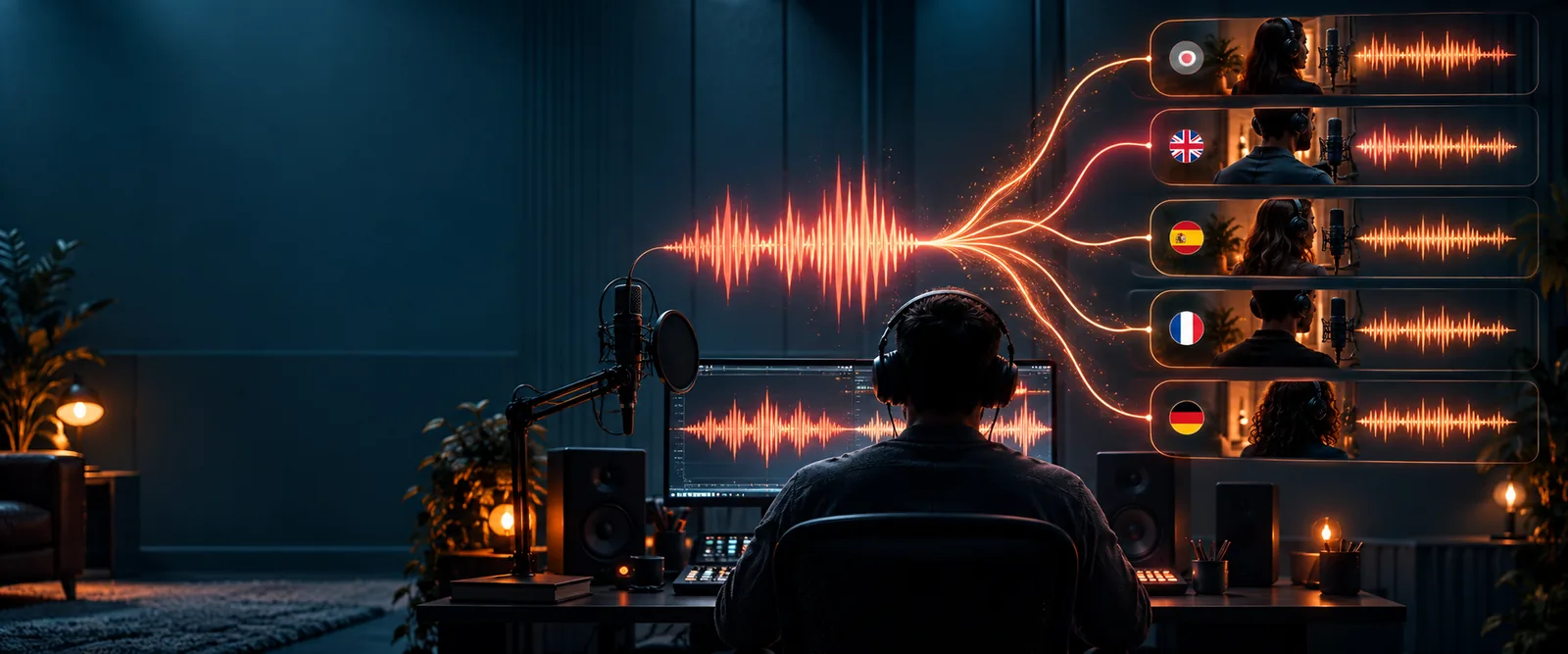
Voiceclone landing illustration

A striking clip does not tell you whether the same voice will work for your script.

What these examples cannot prove

Free examples are useful starting points, but a written script cannot establish how a generated voice will sound.

  • A script is not an audio comparison

    The sample lines below show what to test; they are not playable before-and-after recordings. Text alone cannot demonstrate similarity, pronunciation, or emotional range.

    WorkaroundGenerate a short, permitted test clip and listen beside the original recording before using it in a project.

  • One sentence cannot cover every word

    A voice clone may handle familiar phrasing yet stumble on a name, acronym, or abrupt change of tone. A polished greeting is not proof that a full lesson or video will sound consistent.

    WorkaroundTest the difficult words and longest sentences from your actual script.

  • A recognizable voice is not permission

    An example can suggest a creative use without granting rights to reproduce someone else's voice. Publicly available audio does not, by itself, establish consent.

    WorkaroundUse your own recording or obtain clear permission covering the intended output and where it will be shared.

Three concrete workflows

Each workflow starts with a short, authorized source and ends with a listening check rather than an assumption of quality.

  1. 1

    Test a narration opener

    Record your own clear speech, then try a two-sentence introduction: “Welcome to the trail. At the next turn, look for the old stone bridge.” Compare the generated pacing and place names with your natural delivery before extending the script.

  2. 2

    Revise a teaching line

    Use a voice you are permitted to reproduce and rewrite one outdated sentence in a lesson. Generate only the replacement line first, then check whether its volume, speaking pace, and pronunciation fit the surrounding recording.

  3. 3

    Draft a personalized greeting

    Write a neutral welcome that includes a test name, such as “Hello, Maya. Your tour starts here.” Listen for the name and pause after it. Do not insert a real recipient's details into a sample you plan to publish.

Example output: revise one line

The useful comparison is between an original sentence and a replacement that keeps its meaning while making the delivery easier to test.

  • Original: Your orientation will commence momentarily.
  • Revised: Your tour starts in a moment.

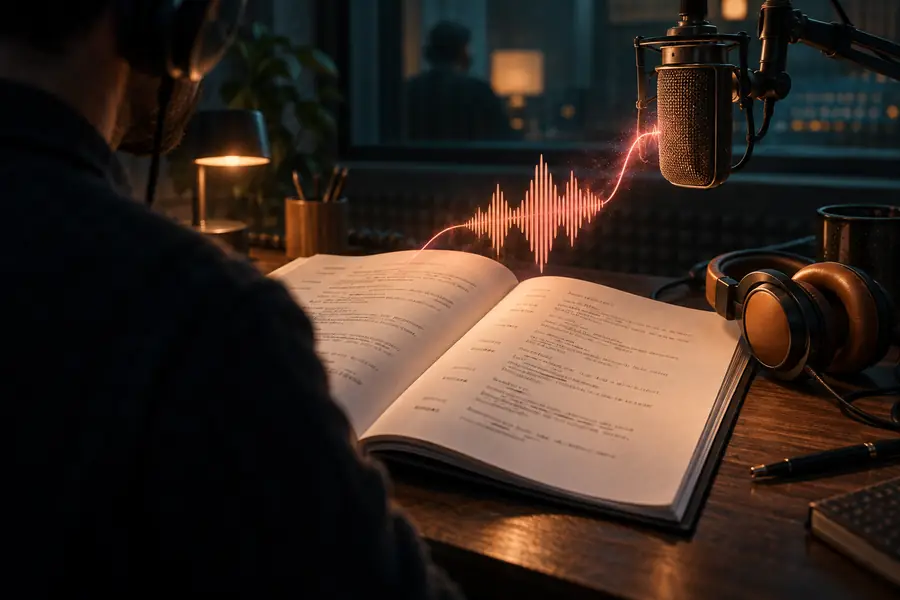
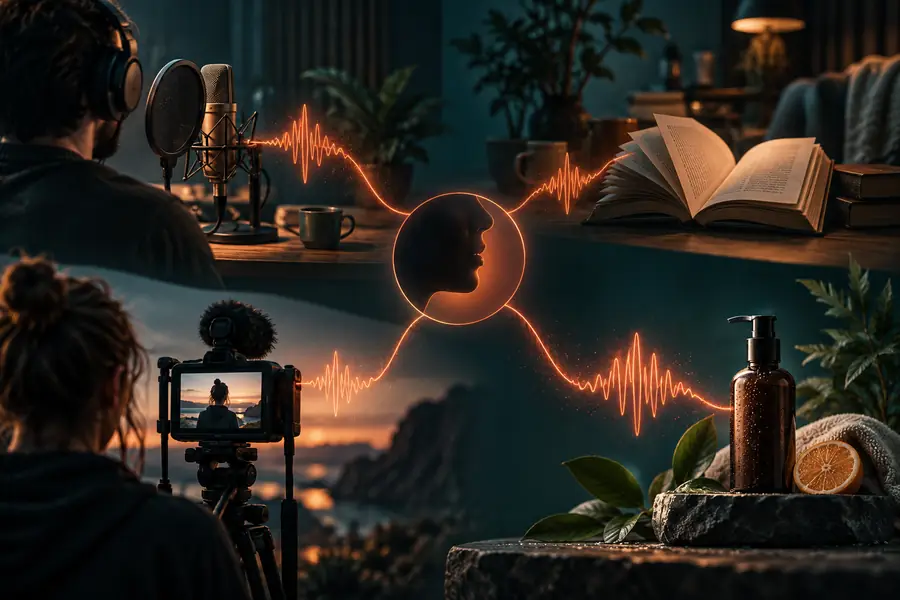
These images illustrate a script revision, not a verified audio result. If you produce both lines, listen for natural pauses and a consistent voice rather than treating the shorter sentence as automatically better.

Illustrative image accompanying the original sample script
Illustrative image accompanying the revised sample script

Compliance notes for each scenario

The right source recording and permission check depend on where the sample will appear.

Independent narrator

You want to repair a sentence in a recording you made yourself without redoing the whole introduction.

Keep the original take available for comparison and identify synthetic passages when your audience should know. For source preparation, see the audio-file workflow.

clone voice from audio file

Video editor

A consenting speaker needs to correct a name in an explainer video.

Confirm the speaker approves both the replacement words and the final context. Check the corrected audio against the picture before publishing.

clone voice from video

Mobile creator

You are drafting a short greeting on your phone using your own voice.

Use a quiet source recording, review the generated name aloud, and avoid sharing the sample until you have checked what personal information it contains.

voice clone for android

Try a sample with your own script

Make the example relevant to your voice

Choose one short line from a project you control. Keep your source recording and generated result side by side, listen for errors, and revise the script before making a longer clip.

Continue to Supavocal
  • Start with a voice you own or have permission to use
  • Test names and pauses from your real script
  • Review the result before sharing it

Scenario FAQ

The scripts on this page give you short narration, lesson, and greeting examples to adapt. Enter a line you have permission to use and generate your own sample; the written examples are not verified audio demonstrations.

Check whether names and unusual words are pronounced correctly, then listen to pauses and sentence endings. Compare the result with the authorized source recording rather than judging it by how polished it sounds on its own.

That is a practical test if you own the recording or have the speaker's permission. Generate the replacement, compare its pace and sound with the surrounding audio, and listen to the edited sequence as a whole.

Do not assume that access to a recording gives you permission to reproduce the person's voice. Ask for clear consent for the intended use, and review whether the finished clip could mislead listeners about what that person actually said.

A short line may avoid difficult names, long pauses, and shifts in tone that reveal weaknesses later. Test a passage from the actual project, including its trickiest words, before relying on the voice for a full recording.

Clone your voice
Clone your voice