Voiceclone

Voice cloning comparison

A play-ht alternative for testing your voice

If you need a play-ht alternative, start with the task in front of you: testing how a recording might sound when it speaks new text. Voiceclone offers a simple starting point; PlayHT is better evaluated as a broader voice-production platform. This comparison separates what you can assess here from features you should verify directly before moving an established workflow.

Voiceclone is a guide; the action opens Supavocal. New accounts receive 1,000 one-time welcome credits. Sign in there, upload 10–30 seconds of clean single-speaker speech and enter a short script. The queued voice-conditioned preview usually takes about a minute; it does not train a persistent voice model.

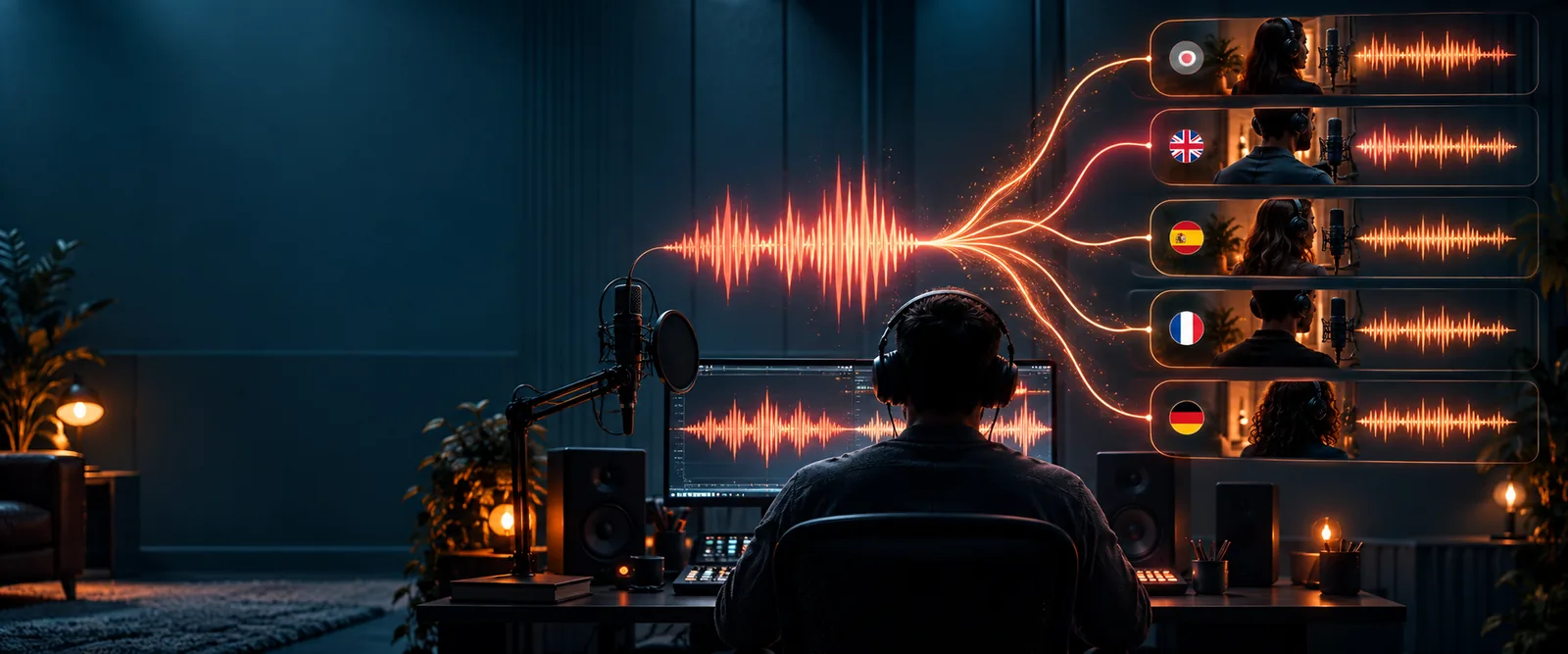
Voiceclone landing-page illustration

Quick verdict

Verdict first: choose by the work you need to do

For a first voice-clone experiment, keep the test small. For a production pipeline, compare the specific controls and terms your project depends on before changing tools.

First-time voice tester

You have a clean recording of your own speech and want to hear a short passage in a similar voice before planning a larger project.

Begin with a small, permission-based test rather than judging either option from a feature list alone. Recording quality and the wording of the passage will affect what you hear.

Is it possible to clone my voice?

Narrator with an existing recording

You already have spoken audio and want to find out whether it can serve as a useful source sample.

Prepare a segment with one speaker, little background noise, and no music. Keep the original file so you can repeat the same comparison elsewhere.

clone voice from audio file

Video creator

Your reference voice is inside a video, but the final deliverable is spoken audio for a new edit.

Separate the speaker's audio from the video first. A clean voice track is more useful for comparison than a clip mixed with music or other speakers.

clone voice from video

Creator exploring access

You want to try a voice-cloning workflow without committing to a long setup process before you know whether the voice is suitable.

Test a short script first, then check the destination tool's current access requirements and output options before relying on it for recurring work.

voice clone online free no sign up

Practical comparison

Dimension by dimension: run the same voice test

A useful comparison holds the source recording and script steady. Change one tool at a time, then listen for differences that matter to your actual project.

  1. 1

    Prepare one reference sample

    Use speech you own or have explicit permission to use. Pick a passage with a single speaker, consistent volume, and minimal room echo. Preserve the unedited original; aggressive cleanup can change the vocal qualities you are trying to reproduce.

  2. 2

    Test one short script

    Choose text that includes names, punctuation, and the speaking style your finished project needs. When comparing outputs, listen beyond a first impression: check consonants, pauses, emphasis, and whether longer sentences still sound like the source speaker.

  3. 3

    Check the production requirements

    Before choosing a workflow, verify the destination's current rules for voice consent, supported inputs, output formats, usage rights, and repeatable generation. A convincing sample is not enough if the rest of your process cannot be carried over.

Choose your route

Voiceclone suits an exploratory test. If you already depend on particular PlayHT capabilities, document those requirements and confirm an equivalent before switching. These related guides help narrow the first experiment.

Side by side

Comparison table: what to evaluate directly

This table compares how to approach each option, not unverified feature or price claims. Check current product documentation for any capability your project requires.

1

Best first question

Voiceclone starting point

Does a short, consented voice-clone test sound promising for my script?

PlayHT workflow

Does the platform meet the full set of production requirements I already use?

2

Starting material

Voiceclone starting point

Prepare a clean sample of the voice you are authorized to use.

PlayHT workflow

Check current input requirements and prepare a comparable sample.

3

Test script

Voiceclone starting point

Begin with a short passage that exposes pronunciation and pacing.

PlayHT workflow

Use the identical passage to make listening comparisons meaningful.

4

Voice quality

Voiceclone starting point

Judge identity, clarity, pauses, and consistency in the resulting test.

PlayHT workflow

Judge the same qualities; do not compare outputs made from different source audio.

5

Workflow depth

Voiceclone starting point

Use an initial test to decide whether deeper evaluation is worthwhile.

PlayHT workflow

Verify the editing, integration, and repeatability controls your workflow needs.

6

Output needs

Voiceclone starting point

Confirm available export options at the tool reached from the action button.

PlayHT workflow

Confirm current formats and delivery options in PlayHT's own documentation.

7

Usage and consent

Voiceclone starting point

Use only your voice or a voice whose owner has given permission.

PlayHT workflow

Review the platform's current voice-use rules and your publishing obligations.

Migration path

Migration path: avoid the easy-to-miss gaps

A test can tell you whether a voice is promising. It cannot, by itself, prove that an existing production setup will transfer intact.

  • No automatic transfer of saved voices

    This page cannot move a voice profile, project, or generation history from PlayHT to another service. A voice recreated from a recording may also differ from a voice you previously tuned.

    WorkaroundKeep an authorized source recording and a reference output. Re-test the same script, then compare results by ear before replacing any established project.

  • No guarantee of matching controls

    A successful sample does not establish that the destination provides the same pronunciation controls, language behavior, integrations, or batch workflow you may rely on.

    WorkaroundWrite down your must-have controls and verify each one in the current destination interface before migrating recurring work.

  • No rights clearance from a technical test

    The ability to reproduce a voice does not grant permission to use someone else's identity or make a recording safe to publish.

    WorkaroundObtain clear consent from the speaker, disclose synthetic speech when appropriate, and review the terms of any service you use.

  • No promise that every sample will sound natural

    Noise, overlapping speakers, strong music, and very short or inconsistent recordings can make a comparison misleading.

    WorkaroundRecord a cleaner sample and test several representative sentences before deciding whether the voice meets your standard.

Ready to compare

Make one controlled voice test

Start with a recording you have permission to use

Keep your source audio and test script handy, then try a short passage through Voiceclone's tool destination. Listen for the qualities your real project needs, and verify the destination's current capabilities and terms before moving further work.

Continue to Supavocal
  • Use a clean single-speaker sample
  • Compare the same script across tools
  • Check rights and workflow requirements

Comparison questions

Comparison FAQ

No. Treat Voiceclone as a starting point for testing a voice, not as proof of feature-for-feature parity. If your work depends on specific controls, integrations, or delivery options, verify them in the current destination before changing your process.

Start with the same authorized source recording and identical test script in each workflow. Compare vocal resemblance, pronunciation, pacing, and consistency, then check output options and usage terms separately. A strong first sample may still fall short of a production requirement.

This page does not import saved voice profiles or transfer project history. If you have permission to use the original speaker's voice, keep the source recording and recreate a small test from it. Expect to evaluate the new result rather than assume it will match an older profile.

Yes. Use your own voice or obtain explicit permission from the speaker before testing or publishing a clone. A technically possible imitation is not a substitute for consent, and listeners should not be misled about who spoke the generated audio.

Not necessarily. Longer scripts can reveal shifts in pronunciation, emphasis, or vocal consistency that a brief test hides. After a promising first result, test a passage representative of your intended narration before committing to a larger project.

Clone your voice
Clone your voice