Voiceclone

Video input

How to clone voice from video without losing the details

To clone voice from video, export a clean 10–30-second audio excerpt from a single authorized speaker first. Supavocal accepts an audio reference, not a video file; music, cuts, and other speakers weaken the sample.

Voiceclone is a guide; the action opens Supavocal. New accounts receive 1,000 one-time welcome credits. Sign in there, upload 10–30 seconds of clean single-speaker speech and enter a short script. The queued voice-conditioned preview usually takes about a minute; it does not train a persistent voice model.

Example script to enter at Supavocal

Use my clean speech sample to read: Welcome back. Today I’ll walk you through the next step.

This is a static script illustration, not an input. No text is submitted here; enter your script at Supavocal after sign-in.

Use only a voice you have permission to use Open Supavocal to add sample & script
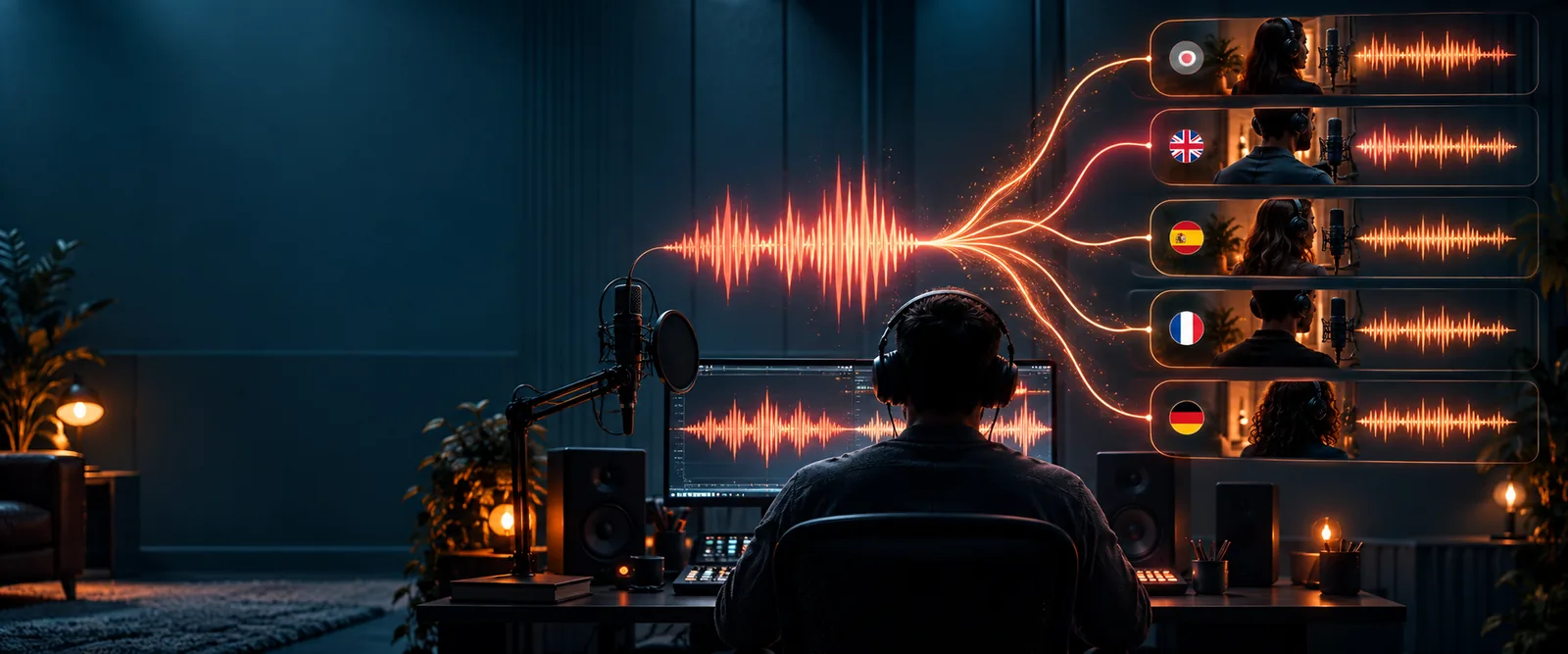
Illustration of preparing an audio reference and script

A video file holds pictures and an audio track. A voice model needs the speech within that track, so extraction is a preparation step—not a way to improve the recording.

What conversion loses

Removing the picture does not remove problems already mixed into the soundtrack. Check these three points before treating an extracted track as a usable voice reference.

  1. 1

    Separate the intended speaker

    Listen for interviews, overlapping dialogue, and audience responses. Trim to one person speaking; otherwise the reference may contain more than one voice.

  2. 2

    Check the recording itself

    Music, room echo, wind, and heavy noise reduction can mask consonants or change the perceived tone. Extraction cannot restore details the microphone never captured.

  3. 3

    Keep natural speech

    Rapid edits may leave only fragments, while very short clips provide little variation. Choose a continuous passage with ordinary pacing instead of stitching unrelated words together.

The tool block: from video track to voice reference

Select a clear passage, extract its audio if the tool requires an audio file, and use only speech you are authorized to reproduce. Then test with a new, short sentence.

  • Video with a speech track
  • Speech reference for testing

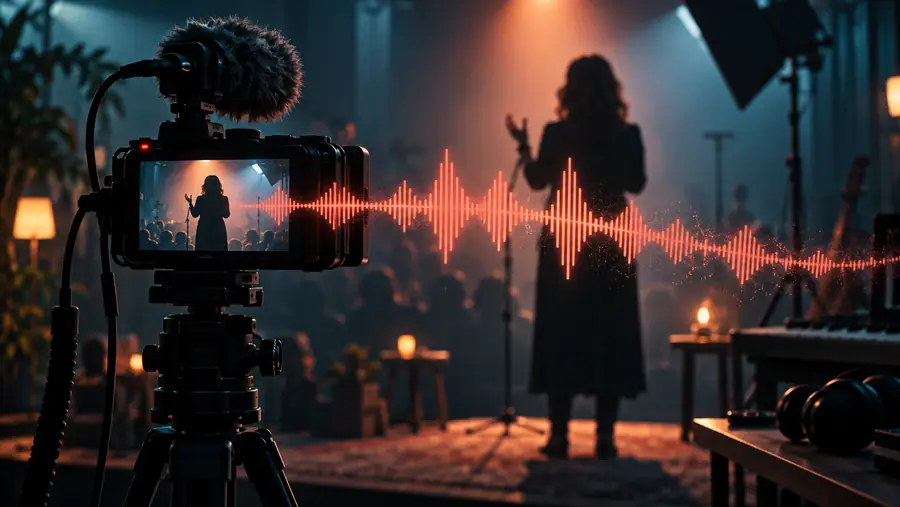
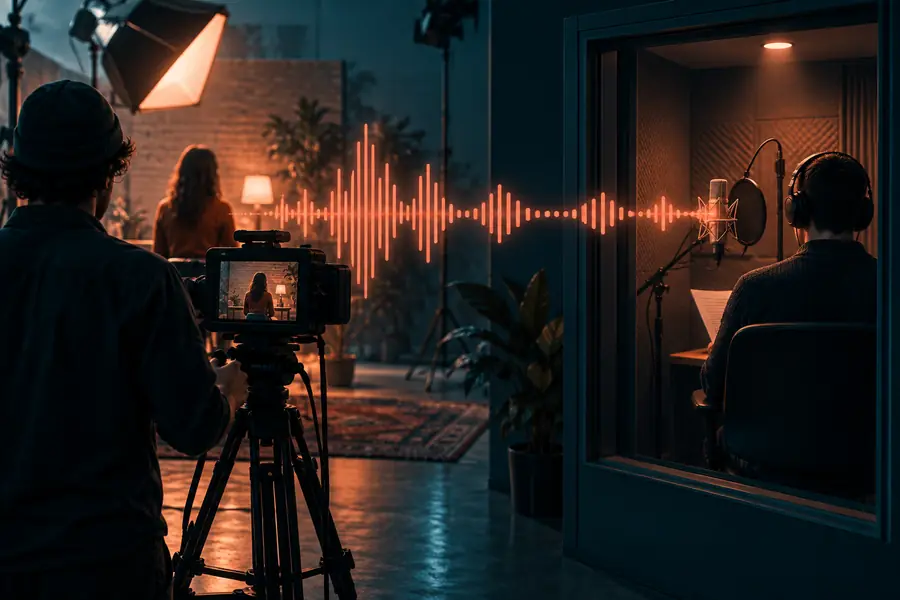
These images illustrate the change in input, not a measured improvement in sound quality.

Illustration representing a video as the source of a speech sample
Illustration representing an extracted audio file as a voice reference

How to verify after conversion

Compare a generated line with the original speaker at a similar volume. Listen for pronunciation, pace, breathiness, and whether background sounds have carried into the result.

Video creator

You have your own spoken introduction on camera.

Test a sentence that was not in the clip, then compare its rhythm with the original. If you already exported the track, the audio-file route explains that starting point.

clone voice from audio file

Tutorial maker

Your screen recording contains narration and occasional notification sounds.

Pick an uninterrupted passage and check whether the test output preserves clear consonants. The step-by-step guide covers recording a better reference when needed.

how to clone my voice with ai

Podcast guest

You appear in a filmed conversation with another speaker.

Use only your own isolated speech and compare a short result before making anything longer. Example uses can help you choose a sensible test line.

voice clone examples free

Archive editor

You are assessing an older clip with unclear voice ownership.

Confirm permission before using the recording, even if the audio is technically clean. The safety guide explains why a convincing match is not proof of authorization.

is voice clone safe reddit

Make a short test before a full script

Try one line in your voice

Begin with a clean sample of your own speech or a voice you have explicit permission to use. A short test makes it easier to catch the effects of music, edits, or another speaker before you prepare more text.

Continue to Supavocal
  • Choose one speaker
  • Listen to the extracted audio
  • Compare the test with the source

Video voice-cloning FAQ

That depends on which input formats the tool accepts. If it asks for an audio file, export the video's sound track and trim it to clear speech before uploading. A video upload does not make noisy speech cleaner.

It can, because music shares the same audio track as the speaker. Look for a passage without music or use an original clean recording when one is available. Listen to the extracted segment before testing an output.

Select a passage where only the intended, consenting speaker can be heard. Overlapping voices make it harder to identify a consistent speech pattern. Do not assume trimming can separate people who speak at the same time.

No. The visible face and mouth movements are not a speech recording for this workflow. You need an audible sample of the voice you have permission to use.

Generate a short sentence that is not copied from the source clip. Compare it with the original for pronunciation, pacing, and unwanted noise at similar playback volumes. If it sounds distorted, try a cleaner passage rather than extending the script.

Clone your voice
Clone your voice