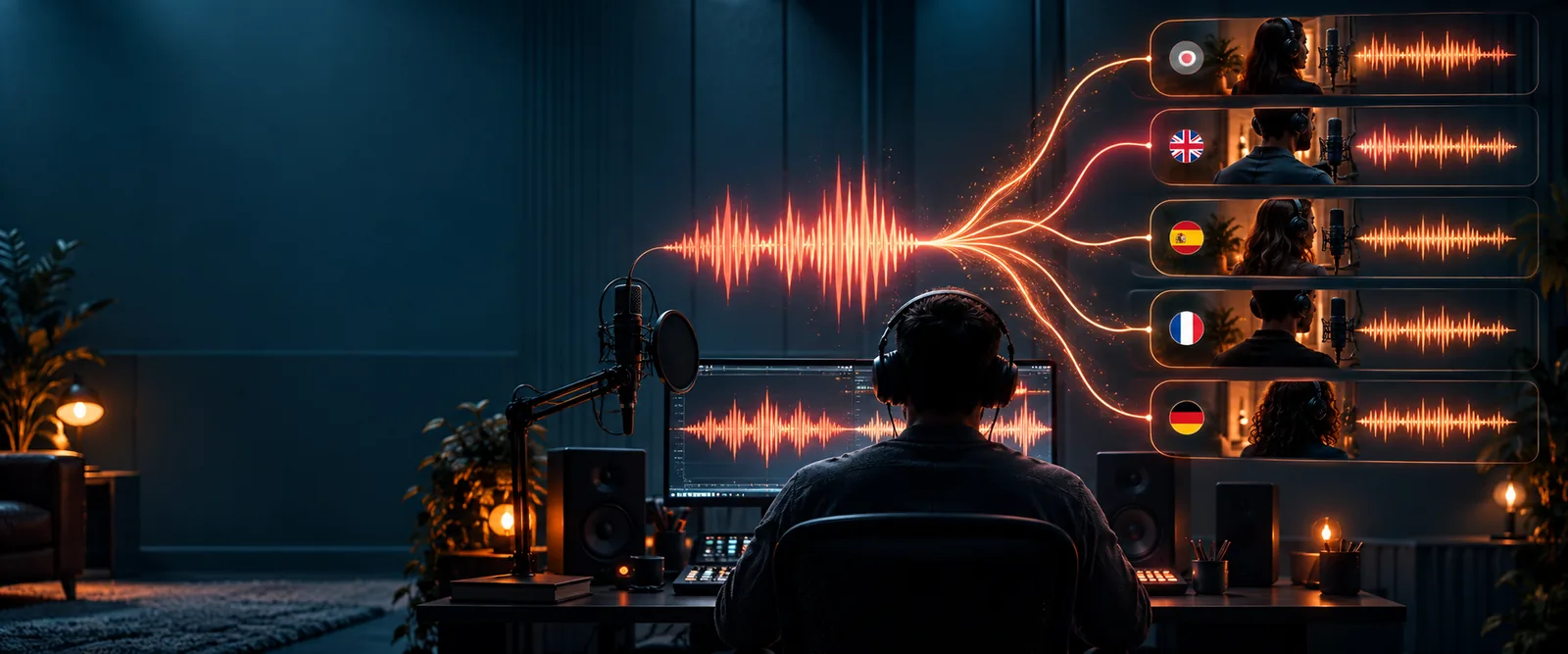
Voiceclone

The basics

Is it possible to clone my voice? Here is what that means

Yes. Supavocal can use a clear recording of you to condition one generation of speech for new text. It is a synthetic likeness, not a recording of words you actually said or a persistent model trained for later use.

Voiceclone is a guide; the action opens Supavocal. New accounts receive 1,000 one-time welcome credits. Sign in there, upload 10–30 seconds of clean single-speaker speech and enter a short script. The queued voice-conditioned preview usually takes about a minute; it does not train a persistent voice model.

Illustration of preparing an audio reference and script

Voice cloning uses a sample of someone’s speech to produce new, synthetic speech that resembles their voice. It does not recover thoughts, memories, or unrecorded conversations.

How it works

The process separates the sound of a speaker from the words in a recording, then uses that learned pattern to speak different words.

  1. 1

    Record a clean sample

    Speak naturally in a quiet space, with one voice prominent and little music or background conversation. A sample with varied sentences gives the system more evidence of your vowels, rhythm, pitch changes, and pronunciation than a repeated phrase does.

  2. 2

    Build a voice model

    The system analyzes acoustic patterns that distinguish your speech from other speakers. It estimates how you tend to form sounds and pace sentences; it does not store a perfect, reusable copy of every emotion or speaking style you might use.

  3. 3

    Generate new speech

    You enter text, and a speech generator produces audio using the learned voice characteristics. Listen before using it: names, unusual words, emphasis, and longer passages can reveal mistakes even when a short preview sounds convincing.

What it can and cannot do

1

New words

What a voice clone can do

Read text that was never present in the sample.

What it cannot guarantee

Prove that the original speaker said or approved those words.

2

Recognizable sound

What a voice clone can do

Reproduce some of a speaker’s tone, accent, and cadence.

What it cannot guarantee

Match every nuance of a live performance.

3

Delivery

What a voice clone can do

Produce a repeatable style for scripted lines.

What it cannot guarantee

Infer the right emotion or emphasis for every context.

4

Language

What a voice clone can do

Read text in languages supported by the chosen generator.

What it cannot guarantee

Preserve a natural accent or pronunciation in every language.

5

Source audio

What a voice clone can do

Learn from a recording where the speaker is clearly audible.

What it cannot guarantee

Reliably separate a target voice from heavy noise or overlapping speakers.

6

Identity

What a voice clone can do

Create audio that listeners may associate with a person.

What it cannot guarantee

Establish consent, authorship, or authenticity on its own.

Who uses it

The useful cases start with permission: clone your own voice, or work with a speaker who has clearly agreed to the intended use.

Independent creators

A creator needs to revise one sentence in a narrated video without recording the entire script again.

A short replacement line can keep a familiar sound, provided the creator checks its timing and makes the synthetic use clear where appropriate.

clone voice from video
People preserving a personal voice

Someone records their own speech while they can still provide a clear sample.

They can explore a synthetic voice for future messages, while keeping control of the source recording and who may use it.

how to clone my voice with ai

Writers testing dialogue

A writer wants to hear draft lines spoken before arranging a final recording.

A voice preview can expose awkward phrasing, but it should not be presented as an actual performance by another person.

voice clone examples free

Mobile-first makers

A maker records a sample on a phone and reviews the generated line through headphones.

Checking for background noise and playback artifacts helps them decide whether the result needs a cleaner recording.

voice clone for android

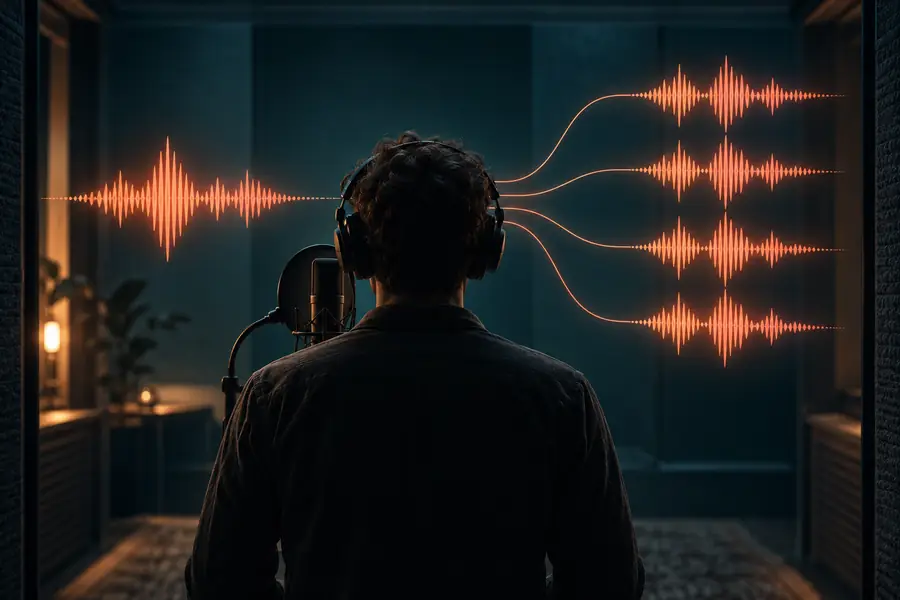
From recorded speech to generated speech

  • Your recorded sample
  • A new spoken line

This is a visual guide to the workflow, not a sound comparison. Only listening to the original sample and generated audio can tell you how closely they match.

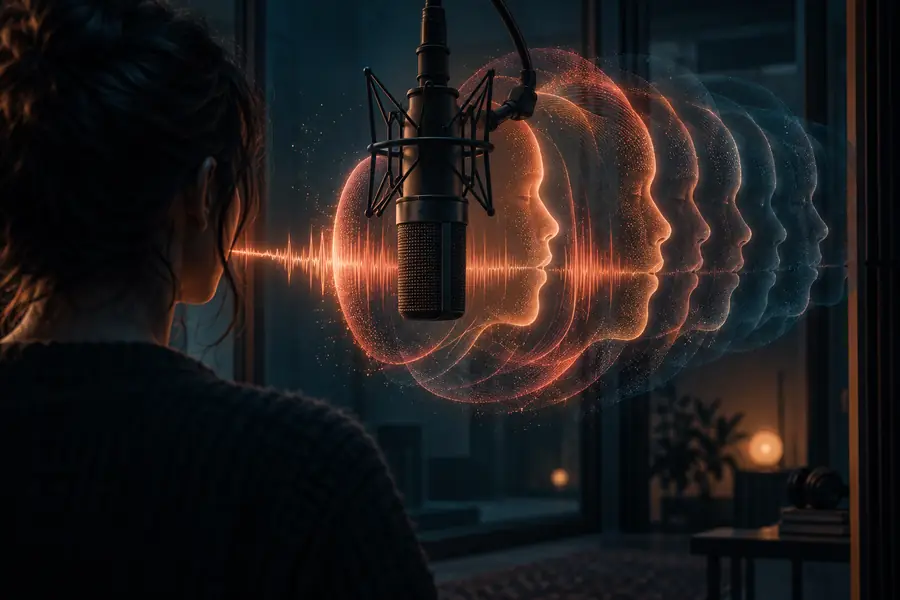
Illustration accompanying an explanation of voice cloning
Voiceclone example visual

Try it with your own voice

Hear what your recording can produce

Start with speech you recorded yourself and a short sentence you know well. Compare the generated line with your original recording, then change the sample or wording if pronunciation, pacing, or tone sounds wrong. Never submit another person’s voice without their permission.

Try voice cloning
  • Use a recording with one clear speaker
  • Review the audio before sharing it
  • Keep consent and disclosure in mind

Frequently asked questions

Yes. A voice-cloning system can analyze a recording of your speech and generate new audio that resembles it. The resemblance depends on the sample, the generator, and the words you ask it to say; it is not proof that you personally spoke the generated line.

Not necessarily. A quiet recording with little echo and no competing speaker is more useful than a polished recording buried under music. If the output sounds muddy or inconsistent, try a cleaner sample before assuming the voice cannot be modeled.

Expect a resemblance rather than an exact duplicate. Unfamiliar names, strong emotions, or a speaking style absent from your sample may sound less natural. Listening to full sentences is more informative than judging one short word.

Recordings can be misused, which is why consent matters even when the technology is easy to access. Use your own voice or obtain clear permission from the speaker, and avoid presenting synthetic speech as a genuine recording. Be careful about where you share source audio and generated clips.

Clone your voice
Clone your voice