Browser-based voice
Try a voice clone online free after signup
Start with a clean 10–30-second recording of your own voice. The linked Supavocal tool requires sign-in, gives new accounts 1,000 one-time welcome credits and queues a voice-conditioned preview of the words you enter there.
Voiceclone is a guide; the action opens Supavocal. New accounts receive 1,000 one-time welcome credits. Sign in there, upload 10–30 seconds of clean single-speaker speech and enter a short script. The queued voice-conditioned preview usually takes about a minute; it does not train a persistent voice model.
Hello, this is a short test of my voice reading a new sentence. Does the pace sound natural?
This is a static script illustration, not an input. No text is submitted here; enter your script at Supavocal after sign-in.
Three parts that shape the result
A convincing voice clone depends on the recording, the words you supply, and a careful listen afterward. Work through these in order rather than expecting the first output to be final.
-
1
Record a clean reference
Speak naturally in a quiet room. Keep the microphone steady and avoid music, overlapping speakers, or heavy noise reduction; each can hide the details that distinguish your voice.
-
2
Enter a short test line
Choose a sentence with words you commonly say. A brief, familiar line makes it easier to judge pronunciation and rhythm before trying longer passages.
-
3
Listen and adjust
Compare the result with your recording. If consonants sound unclear or the delivery feels flat, improve the reference audio or revise punctuation and sentence length, then try again.
Pick the starting point that fits your recording
The browser workflow stays simple, but your source and device affect what preparation you need. These guides cover three common routes before you make a voice clone.
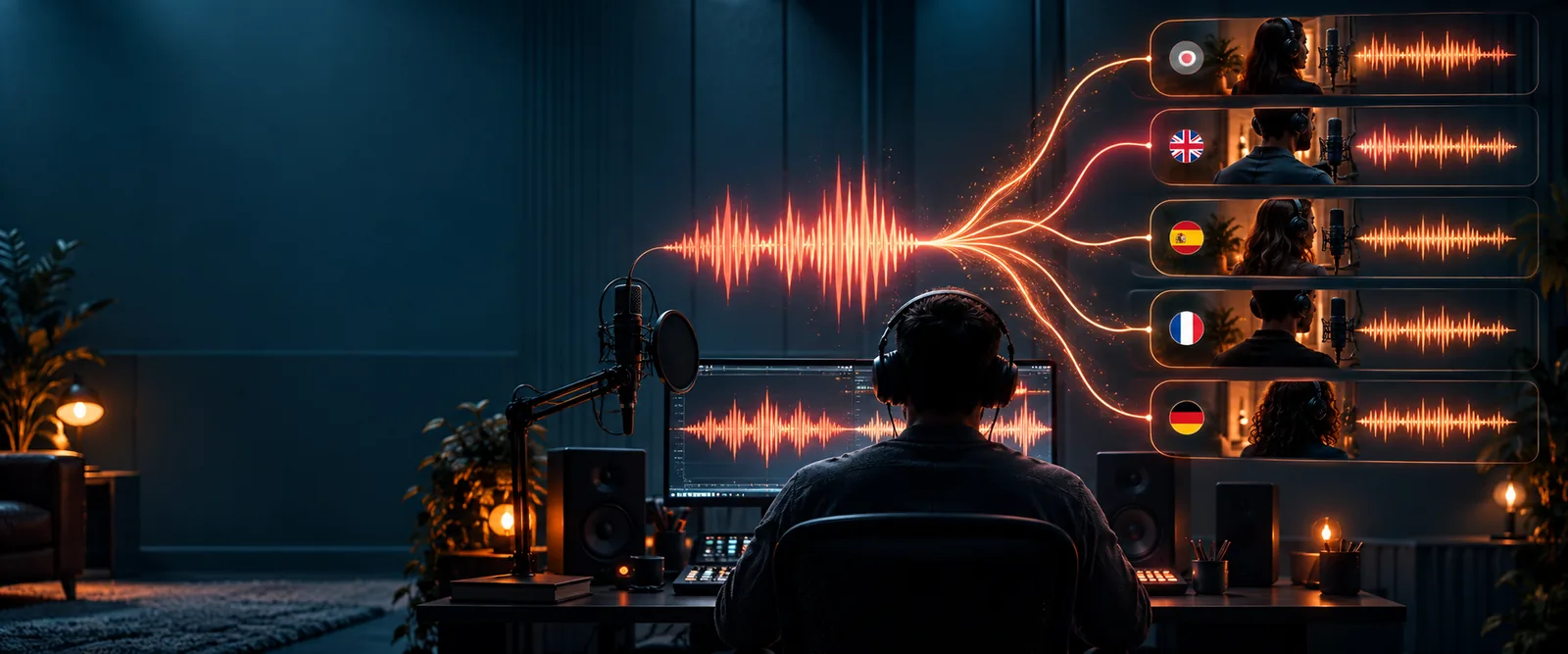
From reference recording to new speech
The source supplies vocal characteristics; your typed sentence supplies new words. The result should be judged by listening, not by assuming that a visual preview proves an audio match.
- Your reference recording
- A new spoken sentence
Illustrative images only. Compare actual audio for tone, clarity, pace, and pronunciation; a voice clone can resemble its source without reproducing every inflection.
Know what a browser sample cannot guarantee
Trying a voice clone online free is useful for testing an idea, not for proving identity or guaranteeing a studio-ready performance. These are the most important edges to check.
-
It cannot recover a noisy source
Background voices, echoes, and clipped speech can carry through as muddled pronunciation or an unstable tone.
WorkaroundRecord again in a quieter space with one speaker close to the microphone.
-
It cannot promise identical delivery
A generated line may miss the exact emotion, accent detail, pause, or emphasis you used in the reference.
WorkaroundTest a short sentence first, then adjust wording and punctuation before extending the script.
-
It cannot establish permission
A voice that sounds familiar is not proof that its owner agreed to synthetic speech or a particular use.
WorkaroundUse your own recording or get clear permission from the person whose voice you provide.
-
It cannot verify every word automatically
Names, unusual terms, and long sentences may be pronounced differently from how you intended.
WorkaroundListen to the full output and rewrite difficult words before sharing it.
Reference audio and generated speech serve different jobs
A voice clone is not a copied recording. The reference informs how the speaker sounds, while the generated speech attempts to say text that was not in that recording.
Reference audio
Generated speech
Who supplies it
Reference audio
The person providing the source recording
Generated speech
The tool produces it from the supplied text
Words heard
Reference audio
Words actually spoken during recording
Generated speech
Words entered for the new line
Main purpose
Reference audio
Provide examples of vocal tone and pronunciation
Generated speech
Let you hear those characteristics applied to new text
Common quality issue
Reference audio
Noise, echo, clipping, or multiple speakers
Generated speech
Awkward pacing, emphasis, or unfamiliar names
Best first check
Reference audio
Can you hear one clear speaker throughout?
Generated speech
Does the line sound clear and say the intended words?
How to improve it
Reference audio
Make a cleaner recording
Generated speech
Shorten or edit the text, then listen again
Try one clear sentence first
Hear what your recording can do
Use a recording you have permission to provide and begin with a short, ordinary sentence. Listen closely to the result before writing a longer script; a good test tells you more than a visual preview.
Continue to Supavocal- Start with one speaker
- Test familiar words
- Review the audio before sharing
Frequently asked questions about trying it online
You can start by providing a recording of your own voice and a short line of text. Check the tool's current on-screen options for any limits before relying on it for a longer project.
Use a clear recording with one speaker, little background noise, and a natural speaking pace. Avoid music or other voices over the speech, because they make the source harder to interpret.
Not necessarily. A voice clone may capture recognizable qualities while changing the timing, emphasis, or pronunciation of particular words, so listen to each result.
Only use another person's recording when you have their clear permission for that use. A free test does not remove the need for consent, especially if you plan to share the resulting speech.
A short line makes problems with clarity, pacing, or names easier to spot. If it sounds wrong, you can improve the recording or revise the text before spending time on a longer passage.